
AI Audio Mastering
Bringing LANDR’s famous AI mastering to +317K mobile users.
LANDR is an AI-powered music platform for audio mastering, distribution, and collaboration, used by millions of artists worldwide.
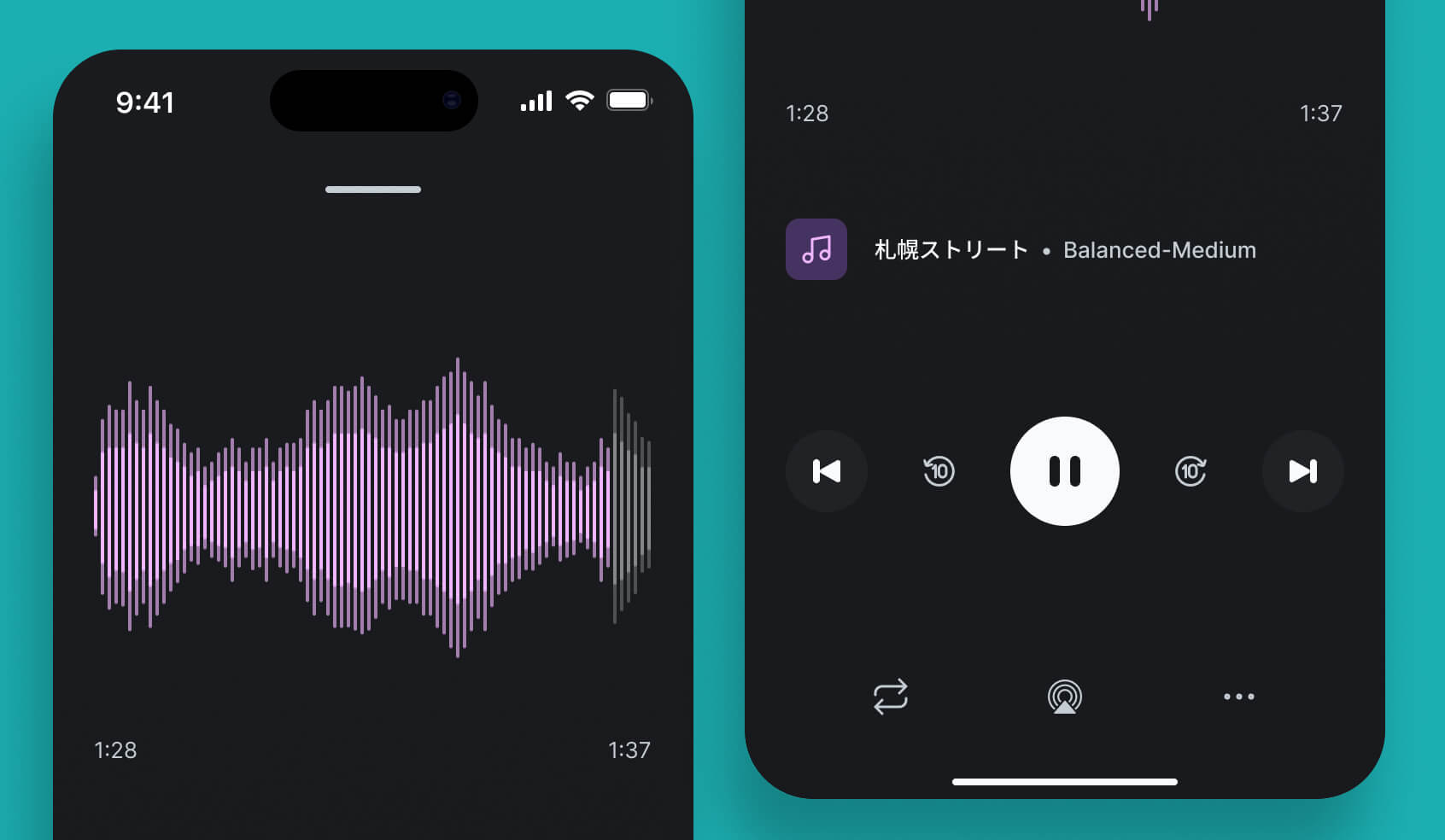
Master preview
Audio mastering preview settings and comparisons.
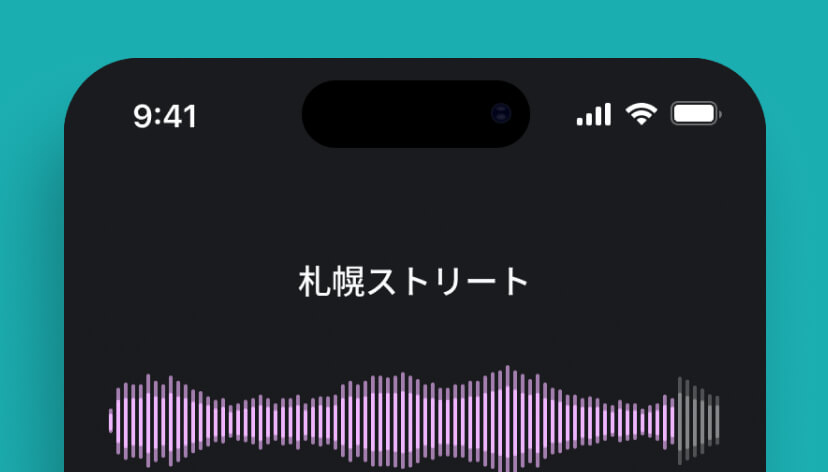
AI Mastering
Processing AI audio mastering.
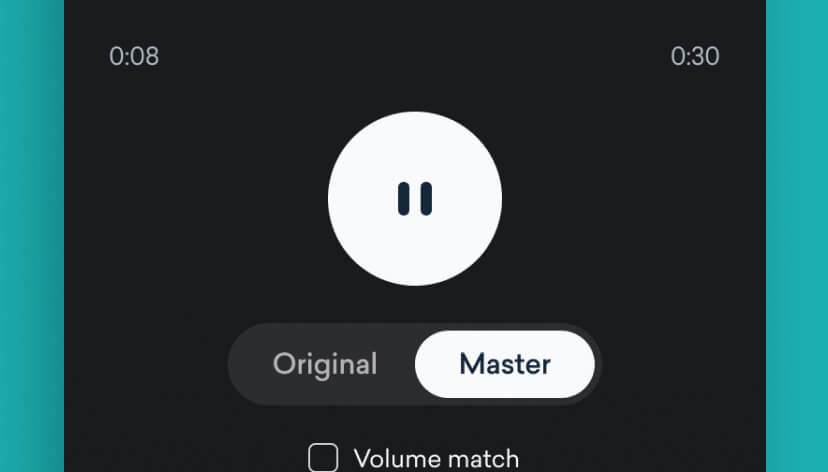
AI Mastering
Processing AI audio mastering.
The situation
LANDR has been a trailblazer in the AI audio space, bringing AI mastering to more than 7 million users across the globe. The first mobile app, launched in 2016, lacked focus and fell short of user experience standards, so it didn’t quite hit the right notes. ;)
Fast forward to late 2022, the product team saw a golden opportunity to relaucnh LANDR’s industry-leading AI audio mastering to mobile. It was time to give the mobile app another shot this time, with a laser focus on delivering AI audio mastering anywhere, anytime.
The mission
I led the design of LANDR’s new mobile app, ensuring the AI audio mastering experience delivered value to users and met high growth expectations.
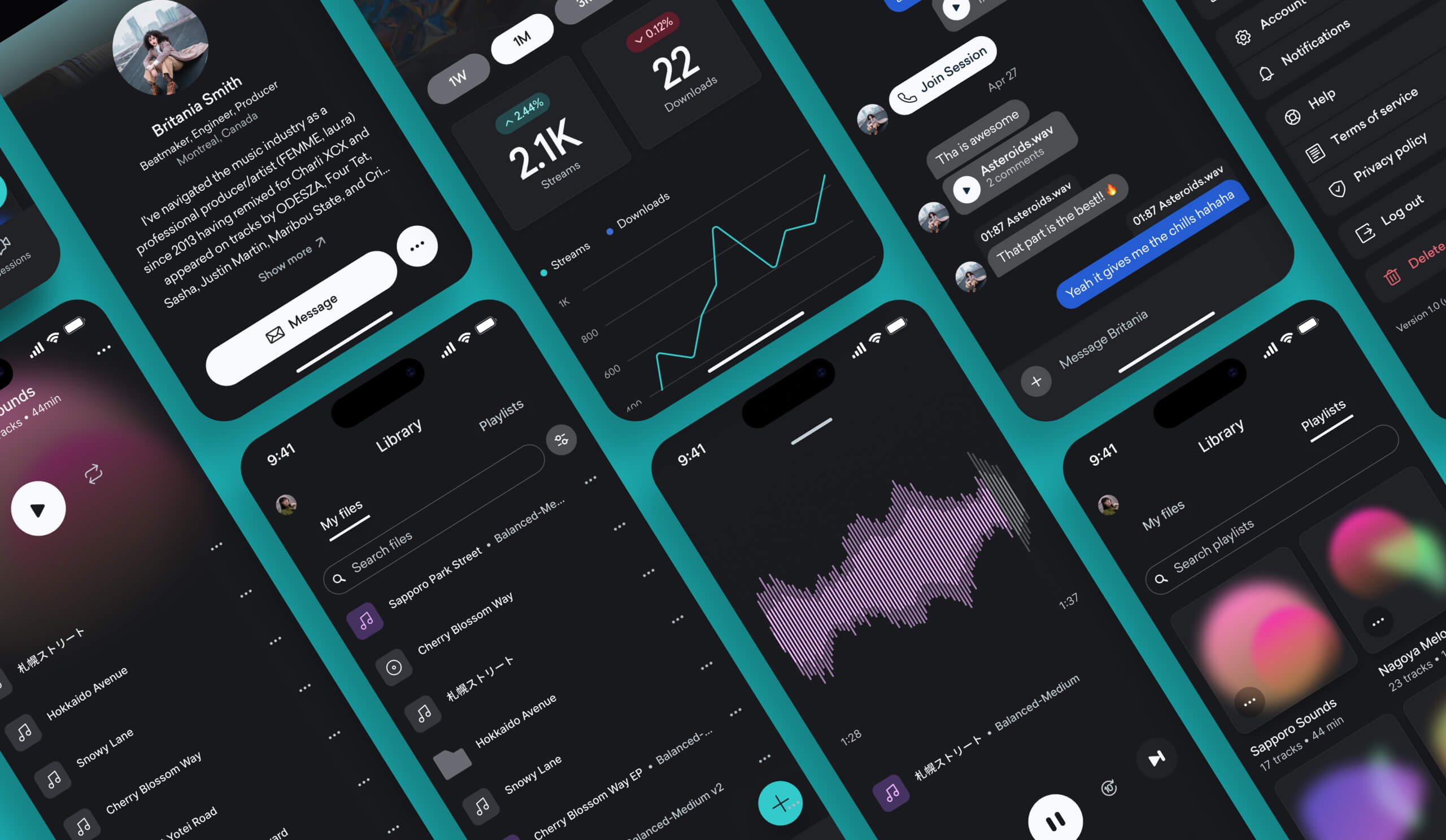
Miscellaneous screens
Features and screens added over time.
The process
To prioritize a seamless mobile experience, I used first-principles thinking to strip the problem down to its core and rebuild the app around those fundamentals. This gave me a solid base on which to create tools that felt natural, simple, and actually fulfilled what users needed.
Along the way, due to time constraints, I had to make tough calls like cutting the reference mastering option and lock screen activity widget from the initial launch. Desktop usage data showed that reference mastering (which allows users to upload any audio track as a mastering reference) was a niche feature, so I knew that focusing on core mastering workflows would deliver the most value. It was all about streamlining for impact while keeping the door open for future iterations.
The team moved at a fast iteration pace, allowing me to test designs quickly and catch issues early. This agility was key to refining the user experience. Once the stakeholders were confident, we put the app to the test with a closed Beta release to collect real user feedback.
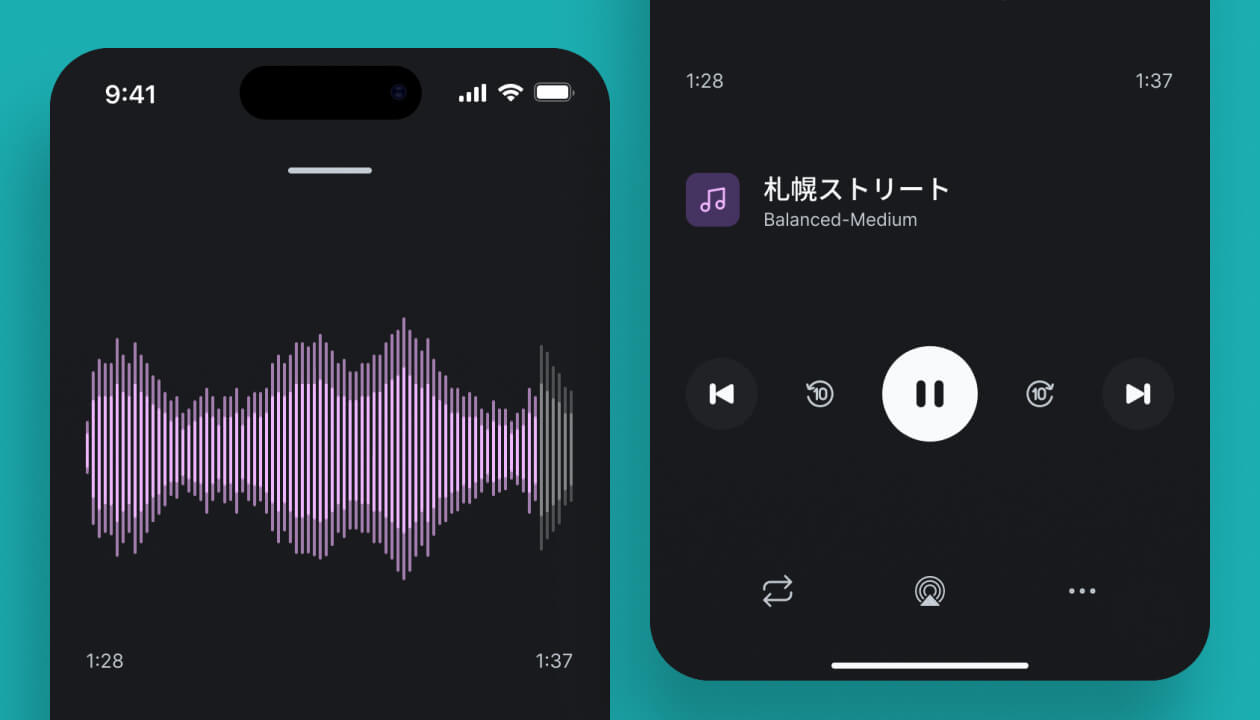
Audio player
Extended view of the audio file player.
Activity
Dynamic island activity widget.
Reflections
Reimagining the desktop workflows with first-principles thinking and using common AI and mobile-specific patterns was a little more work at first but proved to be the best way to deliver the best AI mastering experience on mobile.
The numbers spoke for themselves. Since launching, we’ve seen;
- +317K downloads across iOS and Android.
- 4.79-star rating from happy users.
- A new source of revenue $$$.